

Appearance
Delete authentication device
This guide walks you through deleting an authentication device in BusinessID. Delete a device if you no longer have it, or if you suspect that someone else has access to it.
Review your devices regularly
You are responsible for regularly reviewing the authentication devices registered to your account. Go to Sign-in methods from time to time and delete devices you no longer use. If you see a device you do not recognize, block your sign-in methods immediately and contact your administrator.
Delete the device
Log in to BusinessID and go to Sign-in methods. Click … next to the device you want to remove and select Delete device.
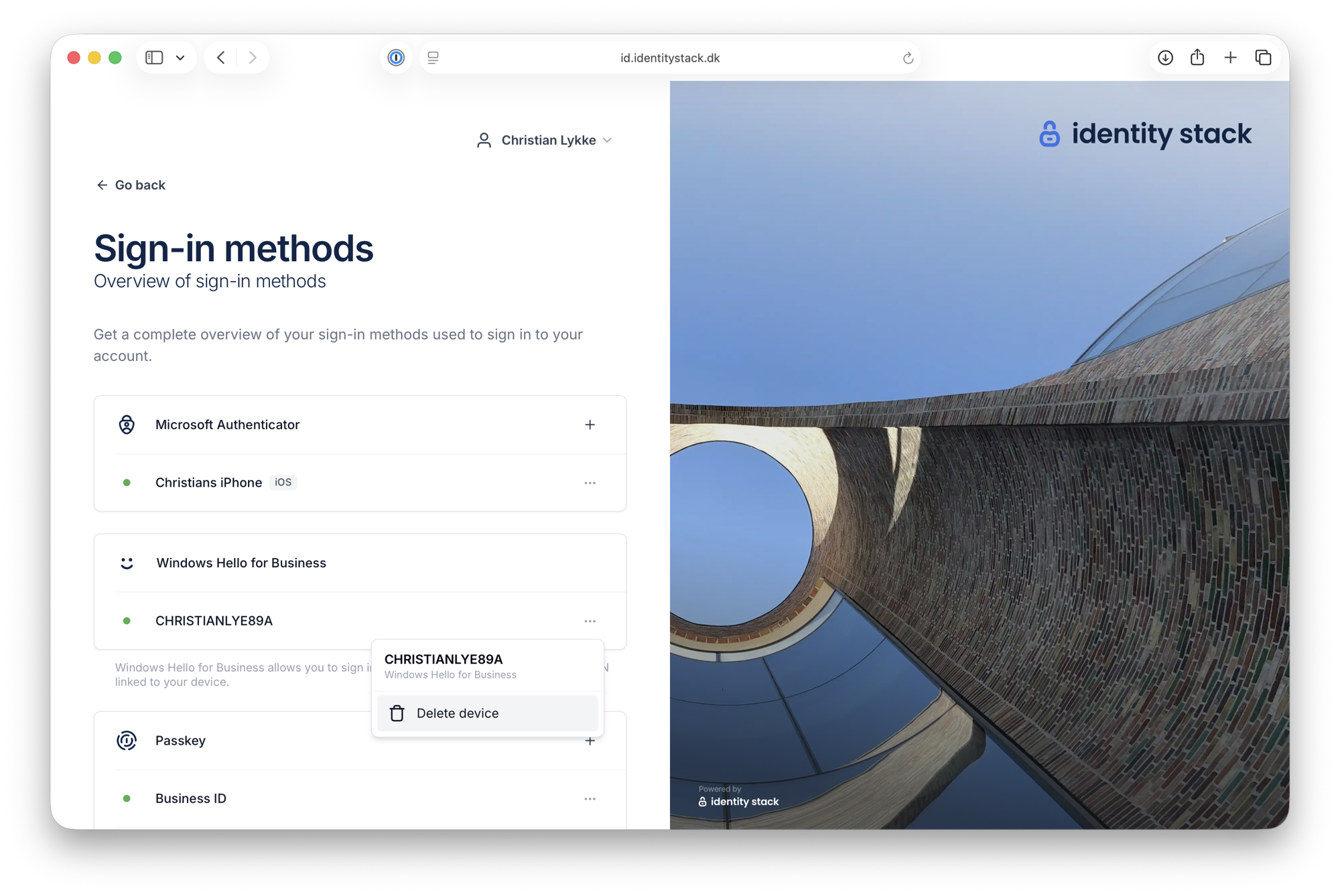
Deleting a device cannot be undone. Confirm by clicking Remove.
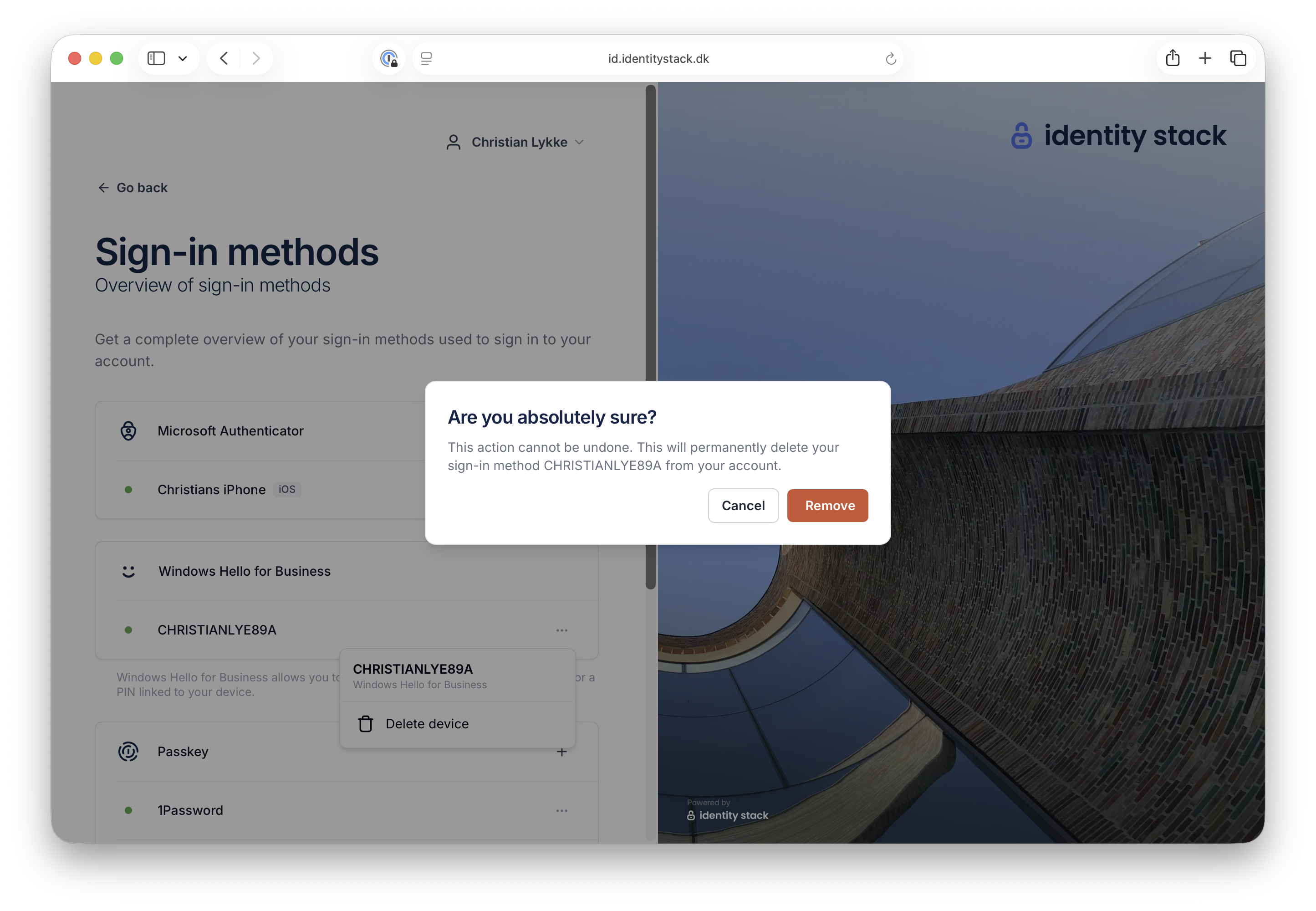
The authentication method is removed from Microsoft 365 (Microsoft Entra ID) and can no longer be used for multi-factor authentication or single sign-on — see Manage authentication methods for Microsoft Entra multifactor authentication. If the device is registered again later, it must be approved anew before it can be used.