

Appearance
BusinessID
BusinessID lets employees manage their own account without involving the service desk. It is hosted on your organization's own domain, typically id.domain.dk — in this example id.identitystack.dk.
Employees can reset their password and administer the multi-factor authentication methods used to sign in — registering new devices such as Microsoft Authenticator, a physical TOTP token, or a phone number for SMS codes, deleting devices that are no longer used, and blocking all sign-in methods if a compromise is suspected.
BusinessID supports the following multi-factor authentication methods:
| Method | Description |
|---|---|
| Microsoft Authenticator | Sign in with the Microsoft Authenticator app on a phone |
| Windows Hello for Business | Facial recognition, fingerprint, or a PIN linked to a Windows device |
| macOS Platform Credential | Touch ID or password on a registered Mac |
| Passkey | Device-bound and synced passkeys |
| TOTP | Physical TOTP tokens and software TOTP authenticators |
| Phone | One-time codes via SMS or voice call |
The user's identity is verified using MitID — or passport using BusinessID Authenticator.
Log in to BusinessID
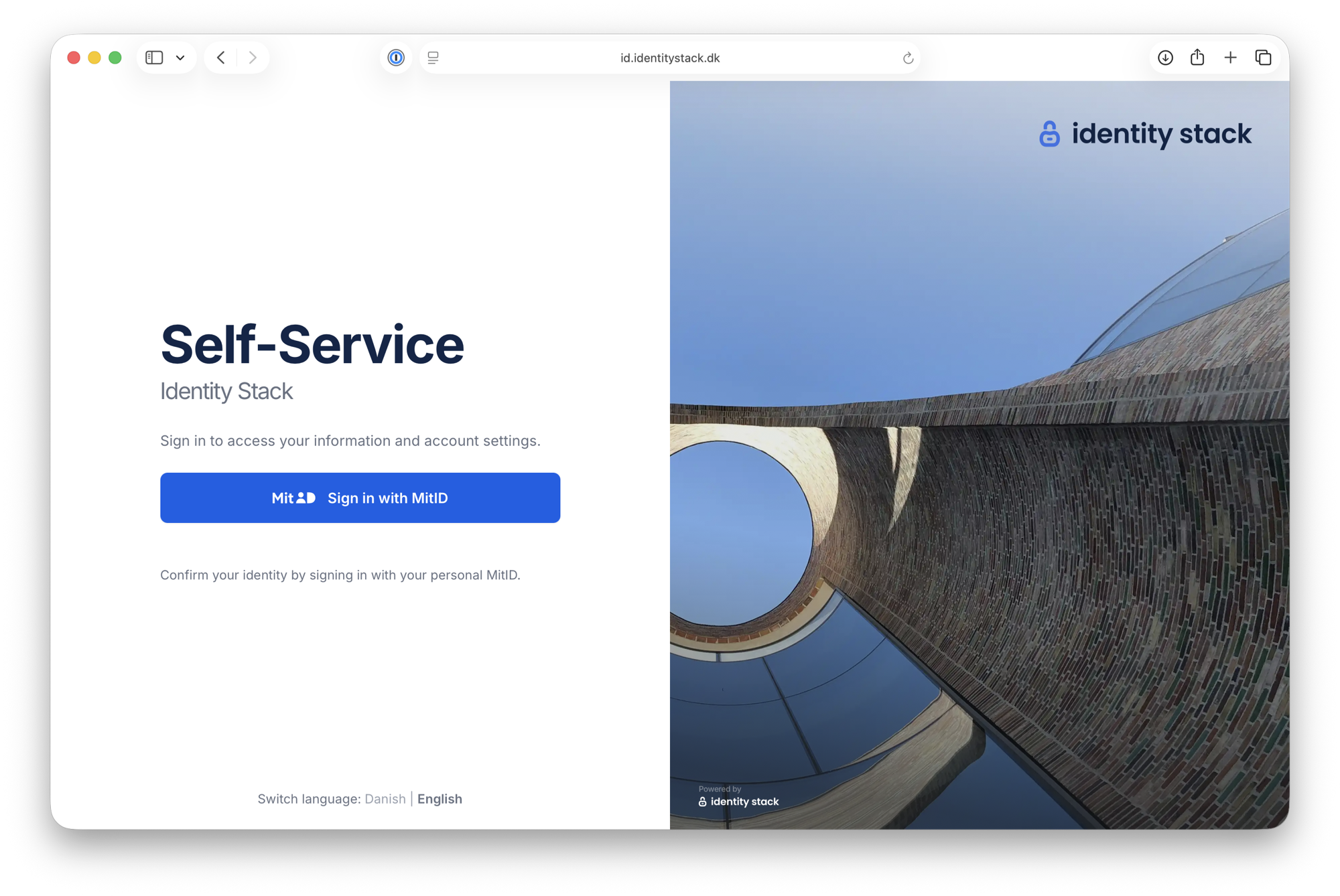
Go to BusinessID on your organization's domain — in this example id.identitystack.dk — and click Sign in with MitID.
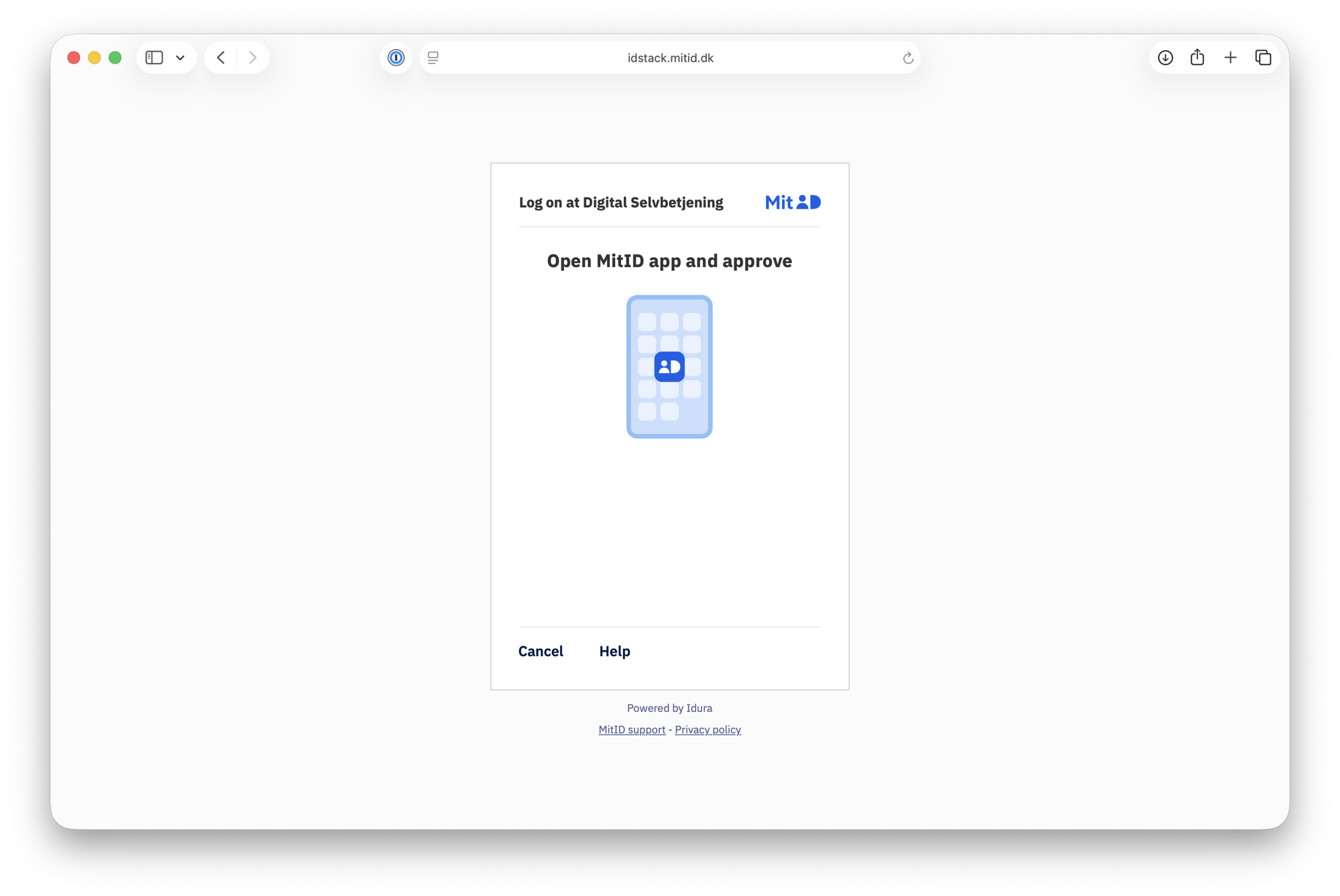
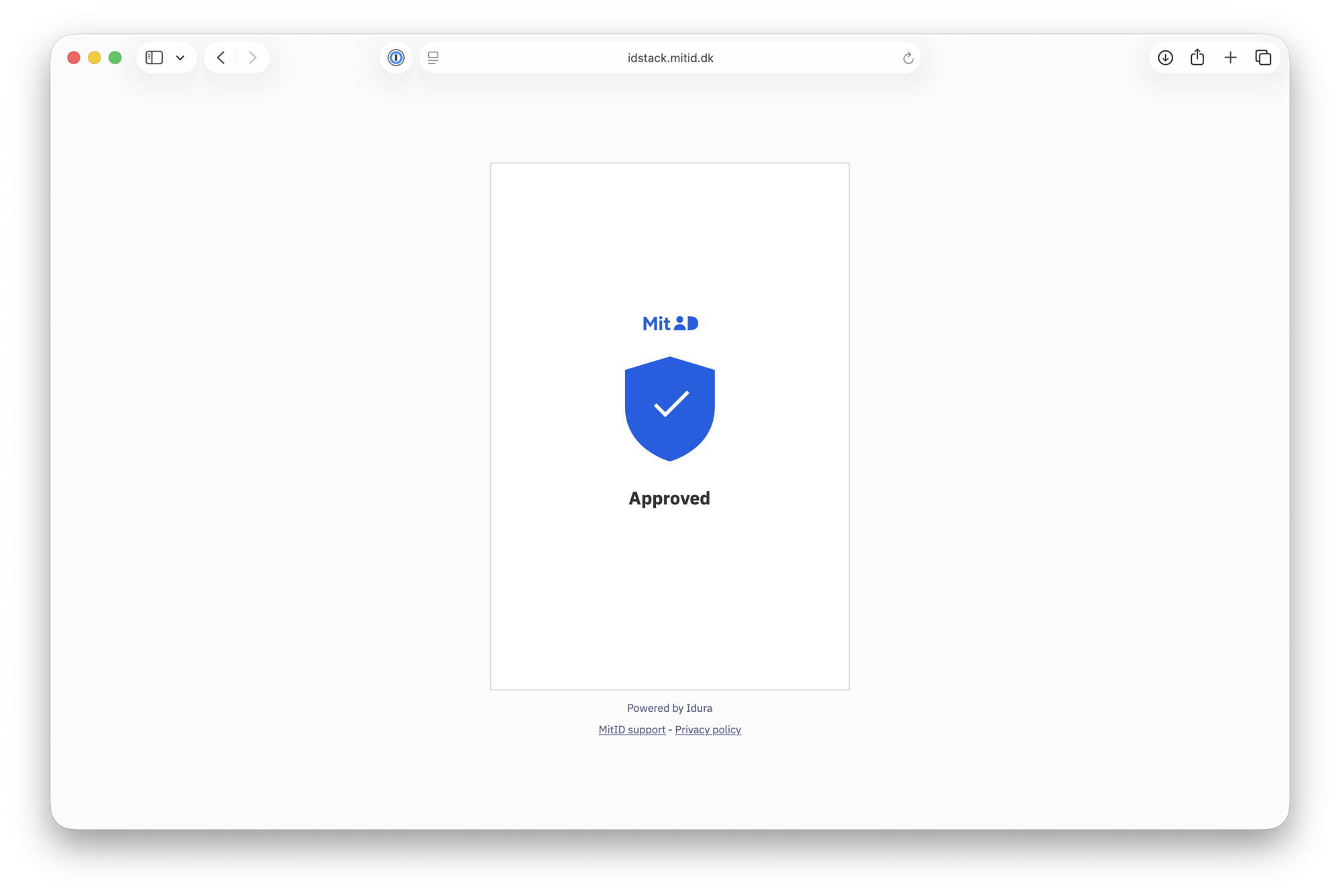
Approve the request in your personal MitID app.
Accept the terms and conditions
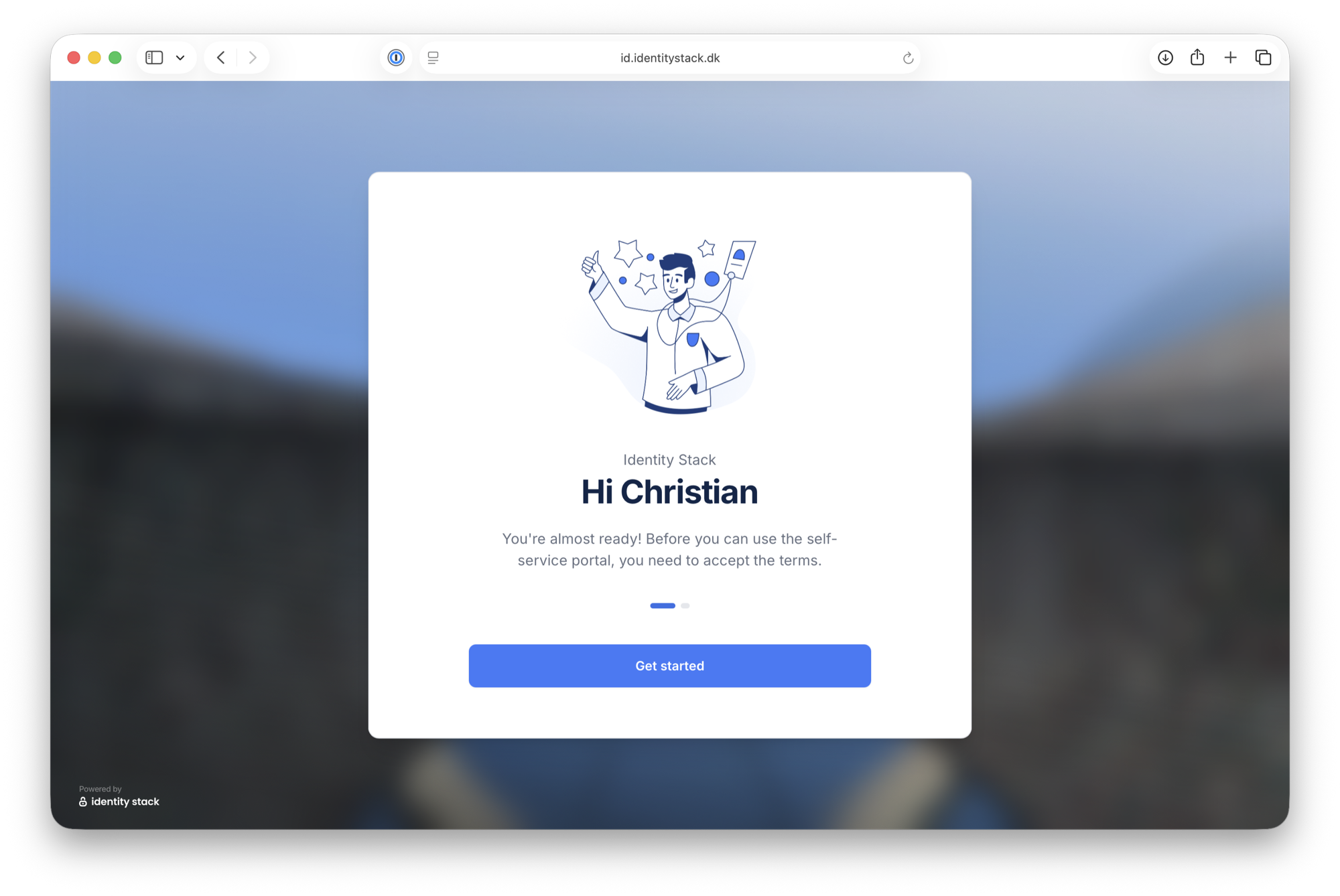
The first time you log in — and whenever the terms change — you must accept the terms and conditions before you can use BusinessID. Click Get started.
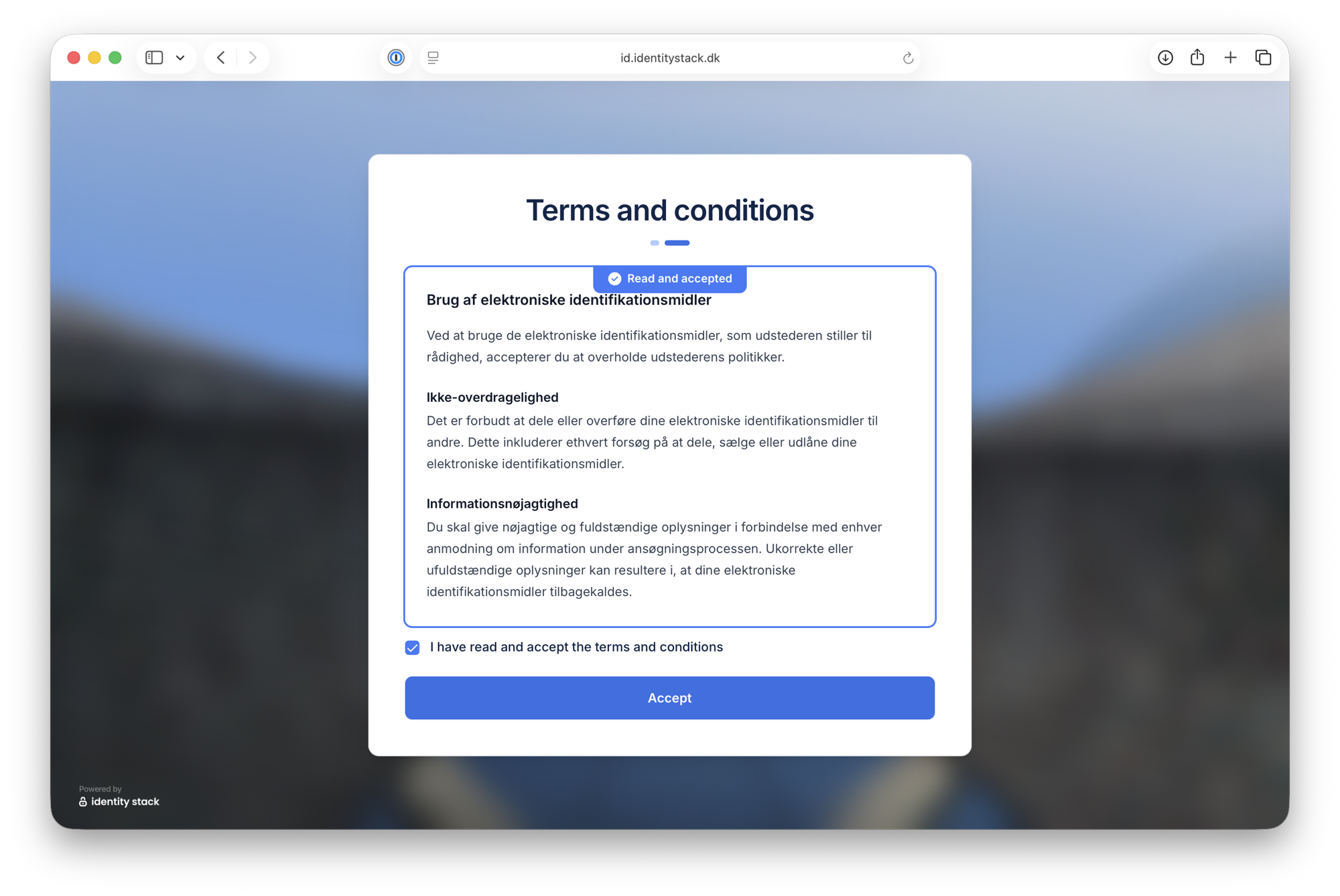
Read the terms and conditions. Scroll to the bottom of the text — the checkbox is enabled once the terms are marked Read and accepted.
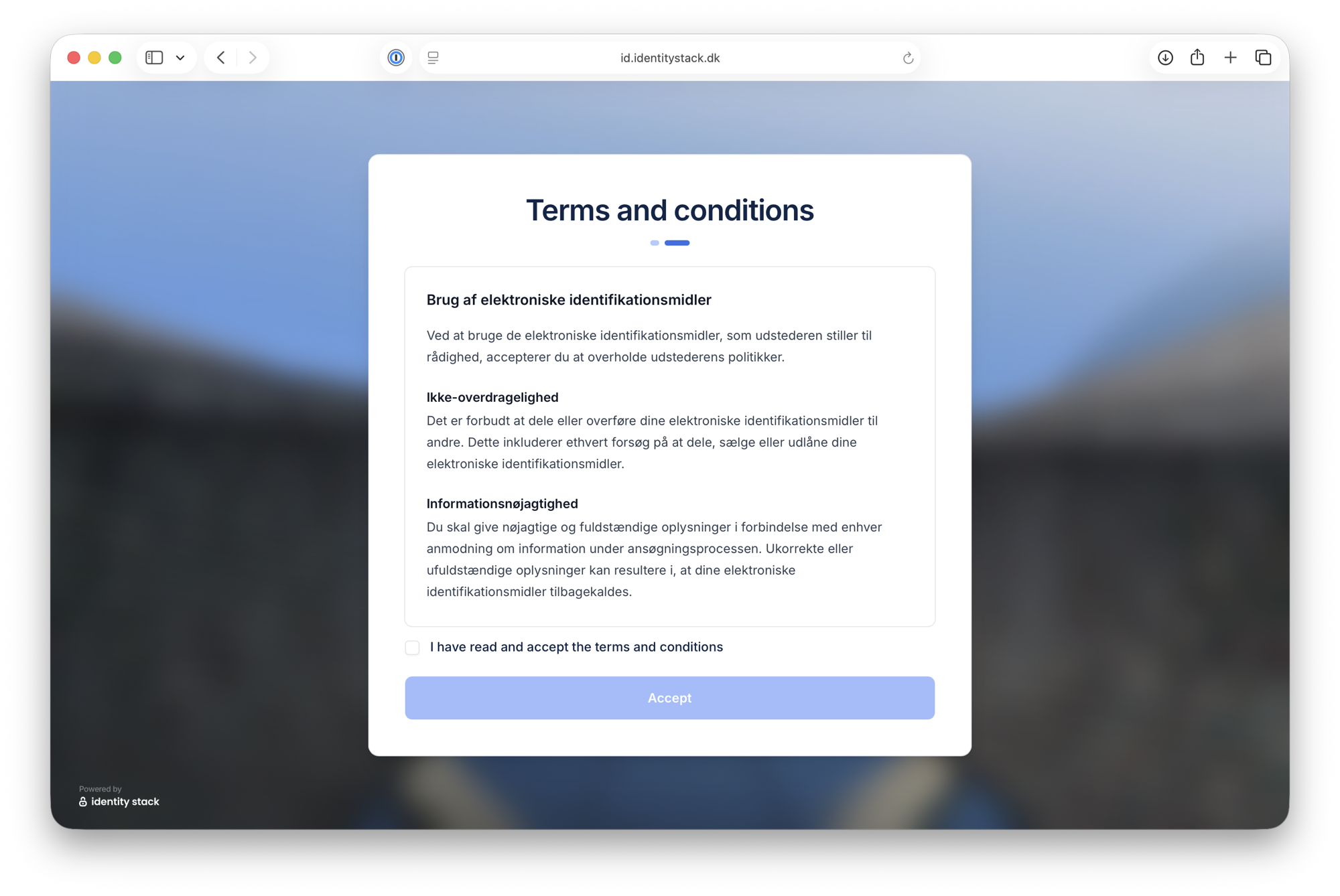
Check I have read and accept the terms and conditions and click Accept.
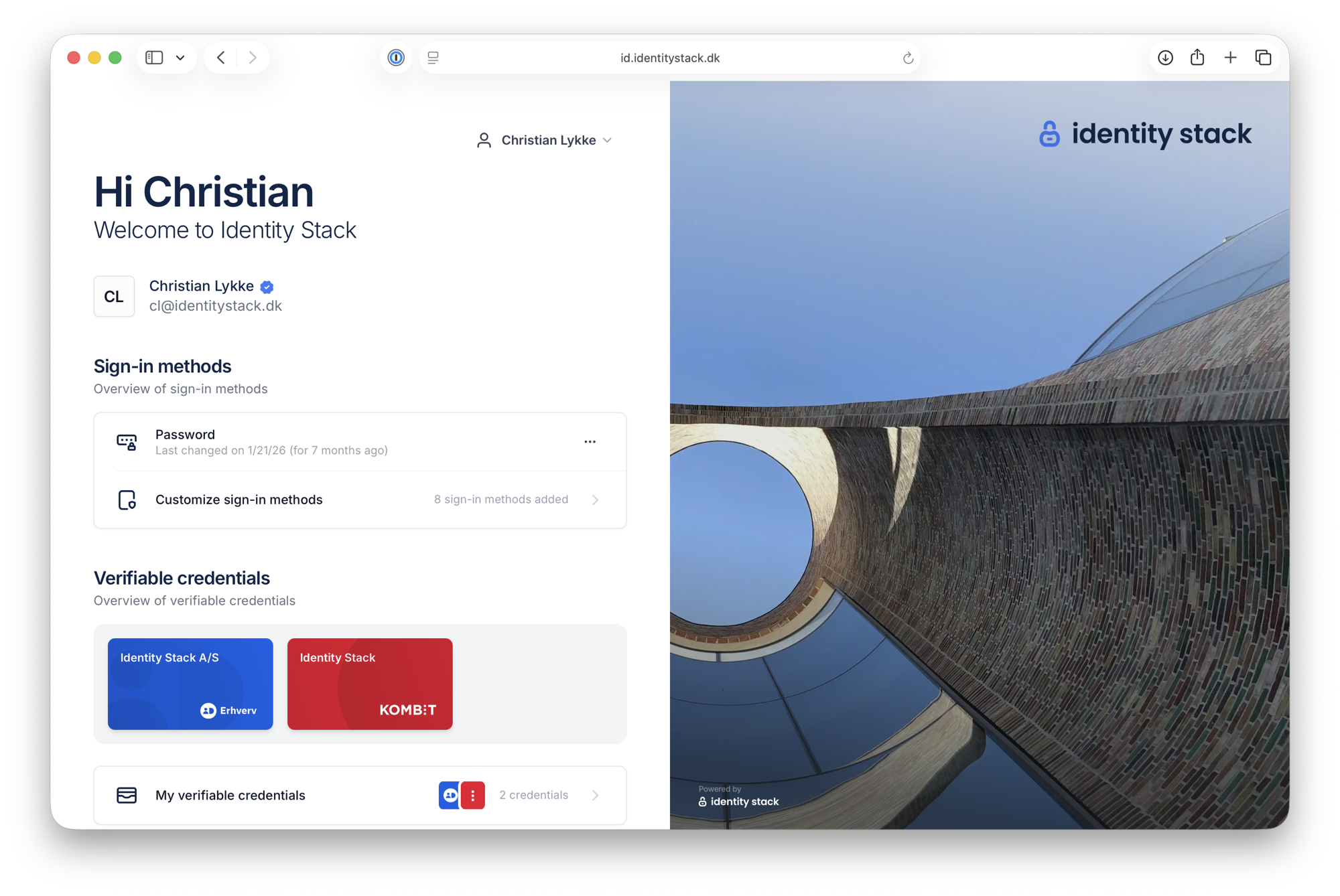
Home page
You are now signed in and land on the home page, with an overview of your sign-in methods and verifiable credentials.
Sign-in methods
Go to Sign-in methods to get a complete overview of the sign-in methods used to sign in to your account. Devices are grouped by method, and the dot next to each device shows its status.
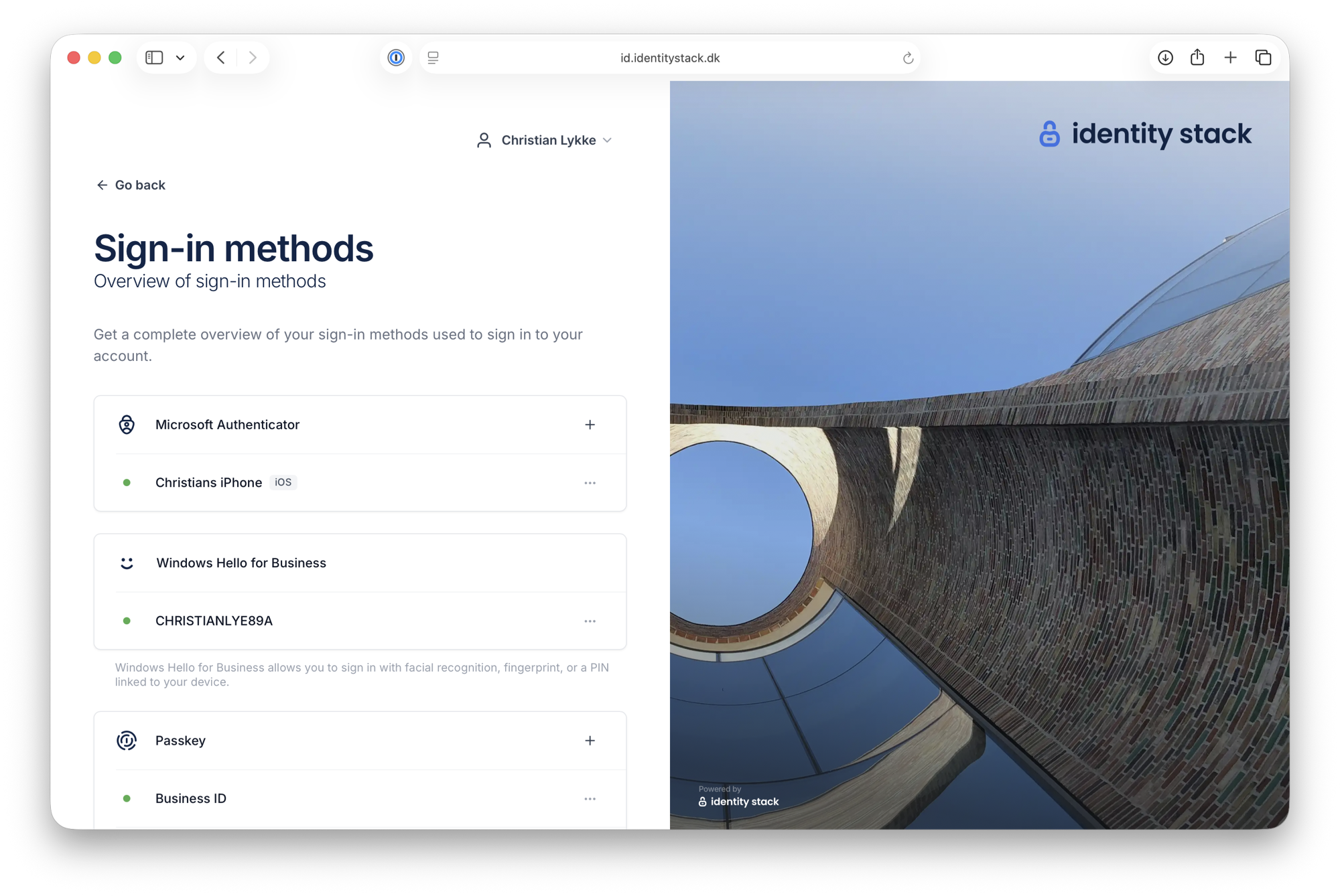
From here you can also delete an authentication device that is no longer used, or block all your sign-in methods if you suspect a compromise.